Manage booking email templates
What this screen changes
Solidres 4.7 lets each property define guest-facing email subjects and message wording while preserving the booking details below. The standard text remains available until you save your own version, and every change should be previewed and sent as a test before live use.
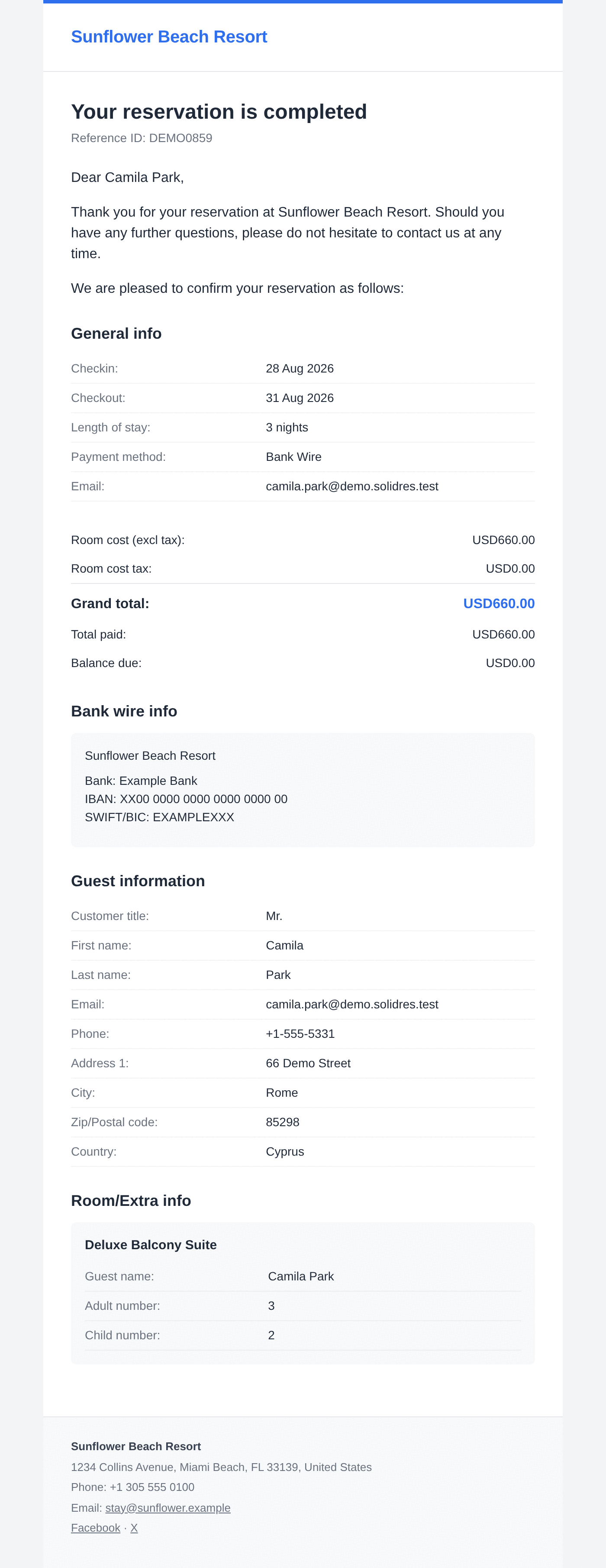
Official Solidres documentation image: “Emails.” Downloaded for this guide; see source and attribution.
Safe editing workflow
- Choose the correct property and language. Confirm which email is sent for the event you are changing.
- Edit only the subject and message wording unless a Super User has approved a full-template change.
- Use the provided booking values/tokens; do not type example guest data into the live template.
- Preview against a sample/latest reservation and send a test to an approved internal address.
- Check the subject, greeting, booking details, links, attachments, language, and mobile readability.
- Save only after the owner approves the test. Retain the standard text or use reset when a local version is no longer appropriate.
Status-specific wording
A reservation status can carry its own email text. Use it only for a real operational status transition, keep it aligned with the general status-change message, and test it with the exact status before publishing.
Avoid template-level changes in day-to-day work
Full-template edits and obsolete pre-4.7 PHP email overrides are technical maintenance work. Keep routine hotel wording changes on the Emails screen.