Manage properties, room types and physical rooms
Know the level you are changing
| Level | Changes affect |
|---|---|
| Property | Contact details, currency, policies, payments, tax, booking rules, and public presentation |
| Room type | What guests can book: capacity, description, facilities, photos, rates, and availability rules |
| Physical room | A real assignable unit, such as room 204, that shares the room type’s sellable rules |
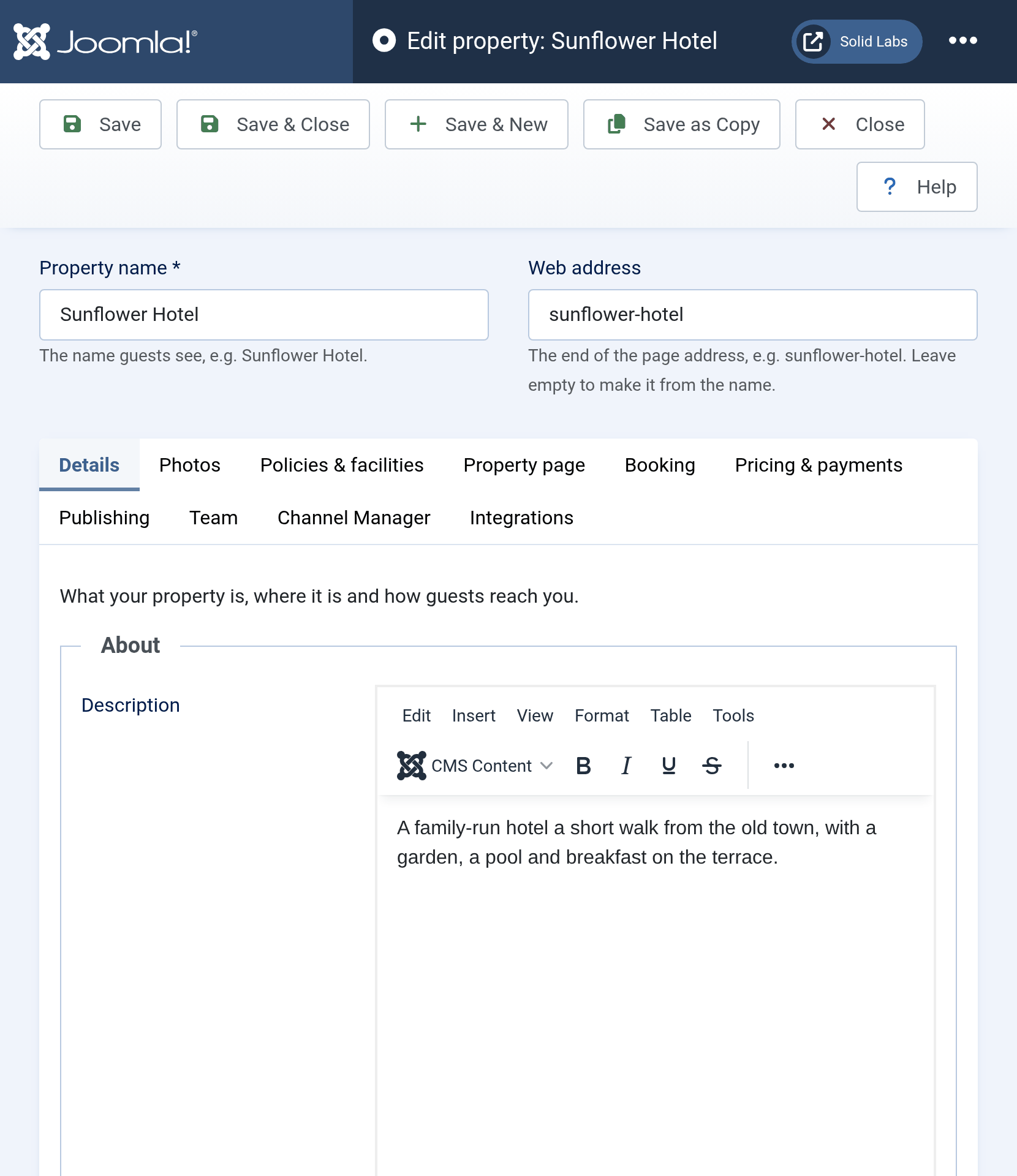
Official Solidres documentation image: “Property details.” Downloaded for this guide; see source and attribution.
Make a safe structural change
- Identify the correct property, room type, and physical rooms; write down the reason and effective date.
- Check future reservations, rate plans, extras, and availability before reducing capacity, renaming a type, or removing a room.
- Make one related change, save it, and run a representative public availability search.
- Confirm existing reservations still show the intended room/type and that no future booking has been displaced.
- Record the change in the manager handover when it affects housekeeping, sales, or guest communication.
Retire or take inventory out of sale
- For a temporary outage, use a room block and retain the physical room record. See Block rooms for maintenance or private use.
- For a permanent withdrawal, first resolve or reassign every future reservation, then retire/unpublish the inventory according to the property’s approved process.
- Do not delete a room type or room solely to make it disappear from current availability; deletion can break historic context and future assignments.
Capacity changes affect live sales
Changing max adults, max children, rooms, or room-type assignment can change what future guests can book and what rate plans can price. Test with an adult/child search before and after the change.